Updated on : June 22, 2023
Seamless Transitions: How to Convert PDF to Word Flawlessly
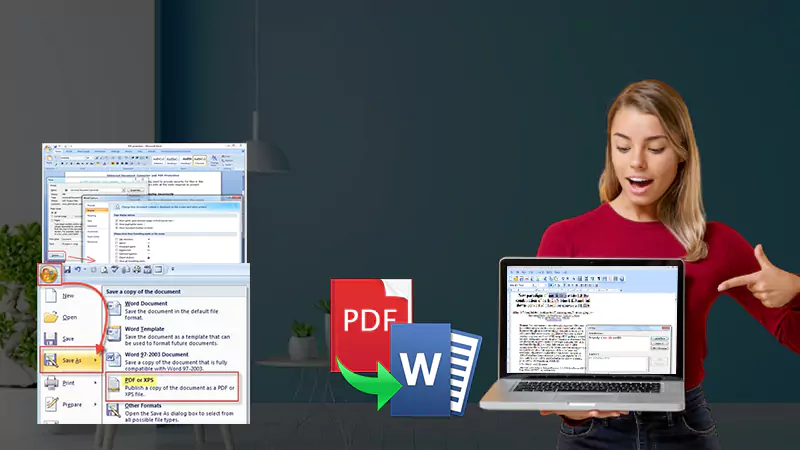
PDFs have become a staple in many industries in the digital era. There are times when there is a need to convert PDF to Word documents for formatting or other editing purposes. However, it might seem like a simple task, but, PDF to Word Converter can result in numerous formatting mistakes or misalignments in texts.
Here, in this blog post, let’s explore various methodologies and tools that are available for seamlessly converting PDFs into Word documents.
Introduction to PDF and Word
Well, in the present competitive world, it is extremely important to have knowledge about document formats. Microsoft Word (Word) and the Portable Document Format (PDF) are the most popular and commonly used file formats to share and create documents.
Considering the PDFs, they are an excellent choice for the documents which are supposed to be shared and viewed in their authentic i.e. original format, whereas, Word is a great choice when it’s required to create and edit documents. Also, understanding the major differences between the two formats play an essential role in seamless transitions and effectively converting PDFs to Word.
Importance of seamless conversions
For effective document management, it is important to have a seamless conversion for ensuring an efficient workflow and prevent errors. In many industries, it is a common task to convert PDF files to Word. However, it can be a challenging process if not performed properly.
Using the right techniques and tools, conversion can take place seamlessly, saving time and reducing the risk of errors.
Choosing the right conversion tool
The crucial step is to choose an appropriate conversion tool for ensuring seamless transitions for conversions. Numerous tools are available in the market each has its distinctive capabilities and features. It is very important to consider a tool that offers reliable and accurate conversion results as expected without hampering the layout, and formatting of the original content.
In addition to this, the selected tool should be easy-to-navigate and user-friendly to allow an efficient and swift conversion process. Besides this, it is necessary to pick a tool that offers sufficient options to customize like selecting the pages or selecting multiple files at the same time.
Tips for preparing PDFs
When it’s time to prepare PDFs for converting them to Word, it is important to pay attention to detail. Here, are the four tips that you can implement to ensure that your PDFs are formatted properly:
- Keep it simple: Avoid complicated formatting that can cause issues in the process.
- Use clear fonts: Choose a font that is easy to read so that content can be understood without issues.
- Check graphics & images: Use high-resolution images and graphics so that they get properly incorporated into PDFs.
- Deploy PDF converter software: The software saves time and maintains accuracy during conversion.
Tips for formatting in Word
Here are the tips to do perfect formatting in Word.
Reviewing and editing the result
Once you are done with the conversion, make sure you review the result. Check for distorted text, graphics, and images that are not transferred properly. Analyze the format and match it with the original one. Finally, proofread the whole document and take your time to review & edit the result so that it is accurate and professional.
Advanced conversion techniques
These include optical character recognition (OCR) software which converts scanned documents into editable software. The other technique is utilizing formatting techniques for a seamless transition from PDF to Word.
Conclusion
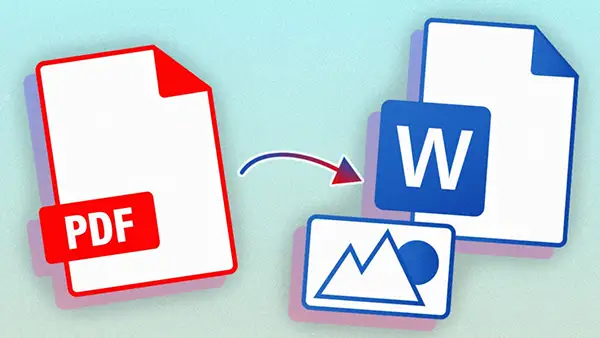
Converting PDF to Word is crucial for any professional. The error-free and seamless conversion allows time-saving and effective document management. Follow the steps explained above for flawless conversions.


